
Campaign Building
The Episxperience Management tool centers around the Campaign Builder, which features an intuitive
drag-and-drop interface, enabling users to create campaigns from the ground up effortlessly.
To initiate a new campaign, follow these steps:
Navigate to the Campaigns tab in the Episxperience Management tool.
Choose the "New Campaign" option to start the process of creating a new campaign.
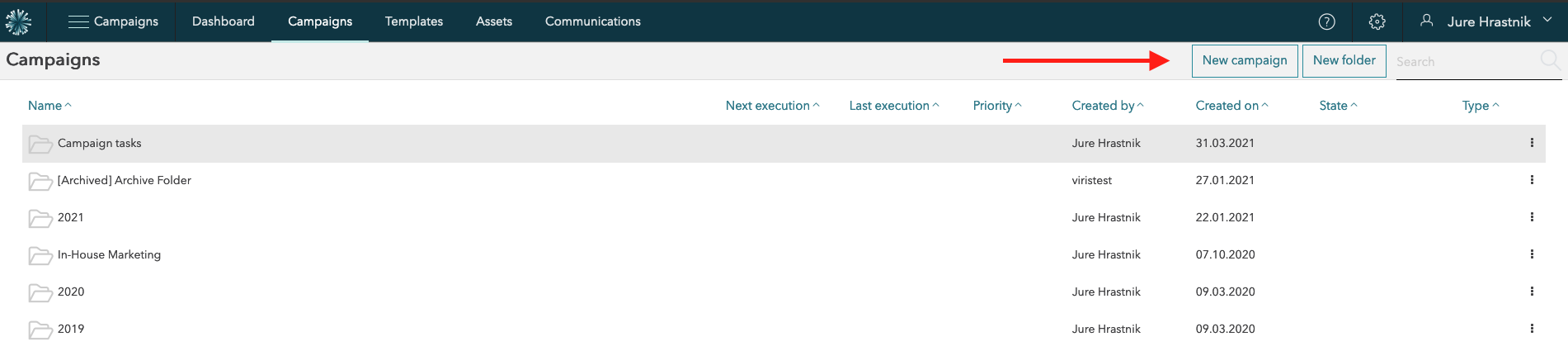
New campaign
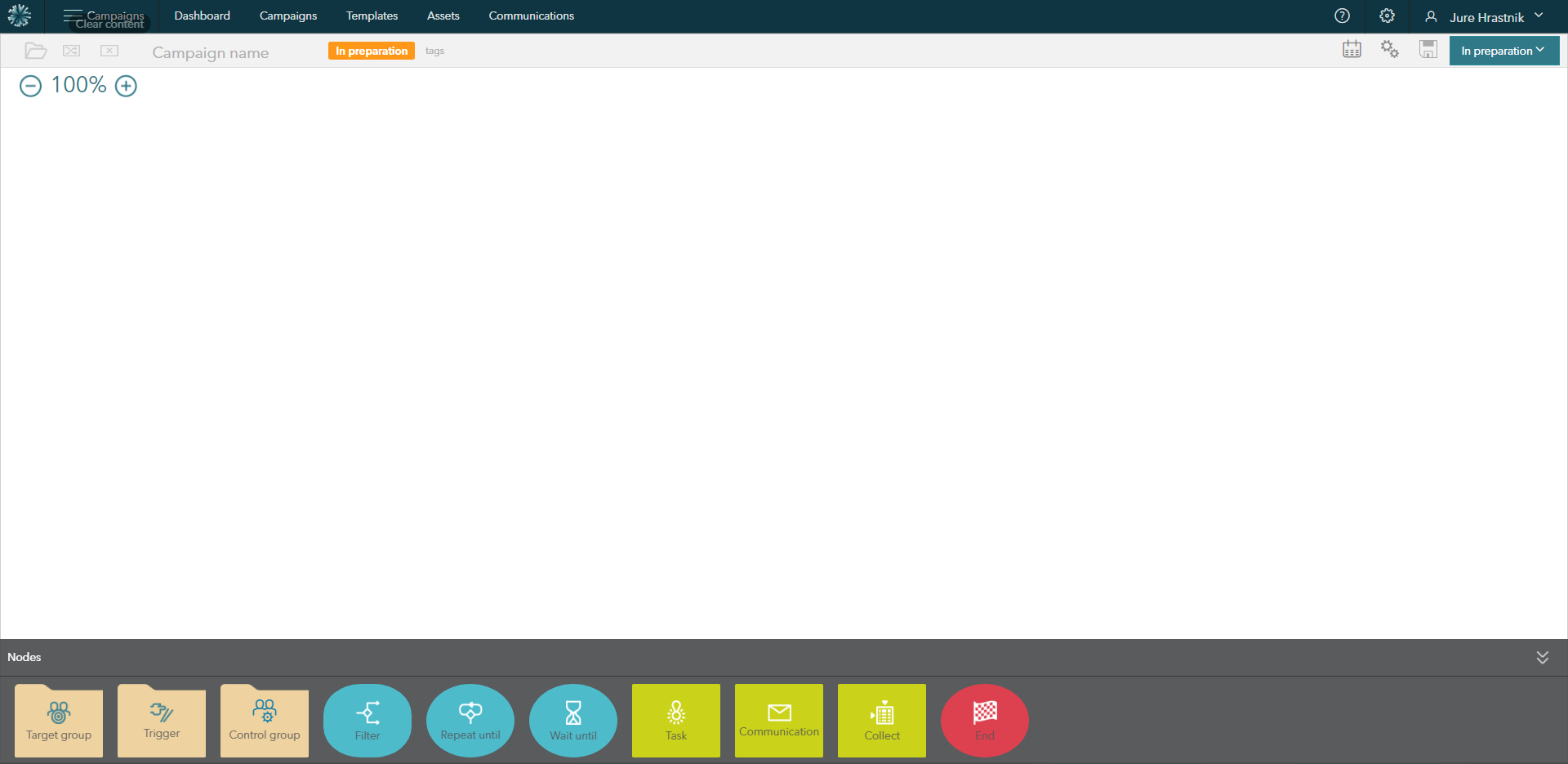
Campaign builder
To maximize your workspace and provide more room for your campaign flow, you have the option to minimize or expand the Nodes bar located at the bottom of the screen. Utilize the arrows on the right-hand side to achieve this functionality. By minimizing the Nodes bar, you can create a larger working area, facilitating a more spacious and organized campaign layout.