
Authentication
Having a secure login option is essential for maintaining system security and preventing unauthorized access. This guarantees seamless day-to-day operations and ensures the safety of your customers' data. EpisXperience provides a reliable method for user authentication, offering both basic authentication and the added security of two-factor authentication.
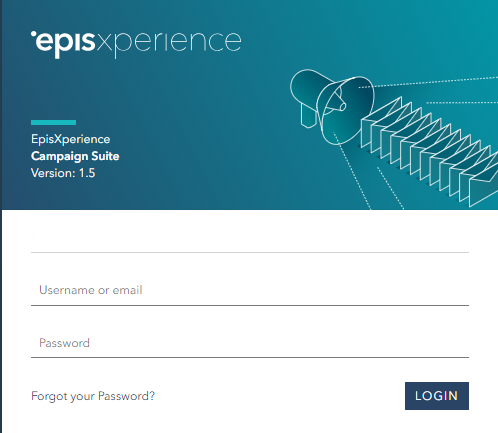
To begin using EpisXperience, the initial step involves logging in using your username and password.
Forgotten password
If you have forgotten your password, simply click on the "Forgot your Password" link. You will be redirected to a new window that provides instructions on how to reset your password. Follow the steps provided in that window to reset your password securely and regain access to your account.
Two-factor authentication
For enhanced security, you have the option to enable two-factor authentication in the settings. Once activated, during your subsequent logins, a separate verification window will appear.
You will need to scan a QR code with your designated two-factor authentication app and input a one-time verification code to proceed.
For detailed instructions on how to enable two-factor authentication, please refer to the information provided on this page. Enabling two-factor authentication